How to Listen
Listen on a Mac
Play your audiobooks with Apple Music, which is built in on macOS.
On a Mac, the easiest way to listen is the built-in Apple Music app. If it is missing for any reason, you can reinstall it from the App Store.
Step 1 — Download your audiobook
- Sign in on raksBooks.com.
- Open My Account → My Library.
- Click the download button next to the audiobook you want.
Step 2 — Add the file to Apple Music
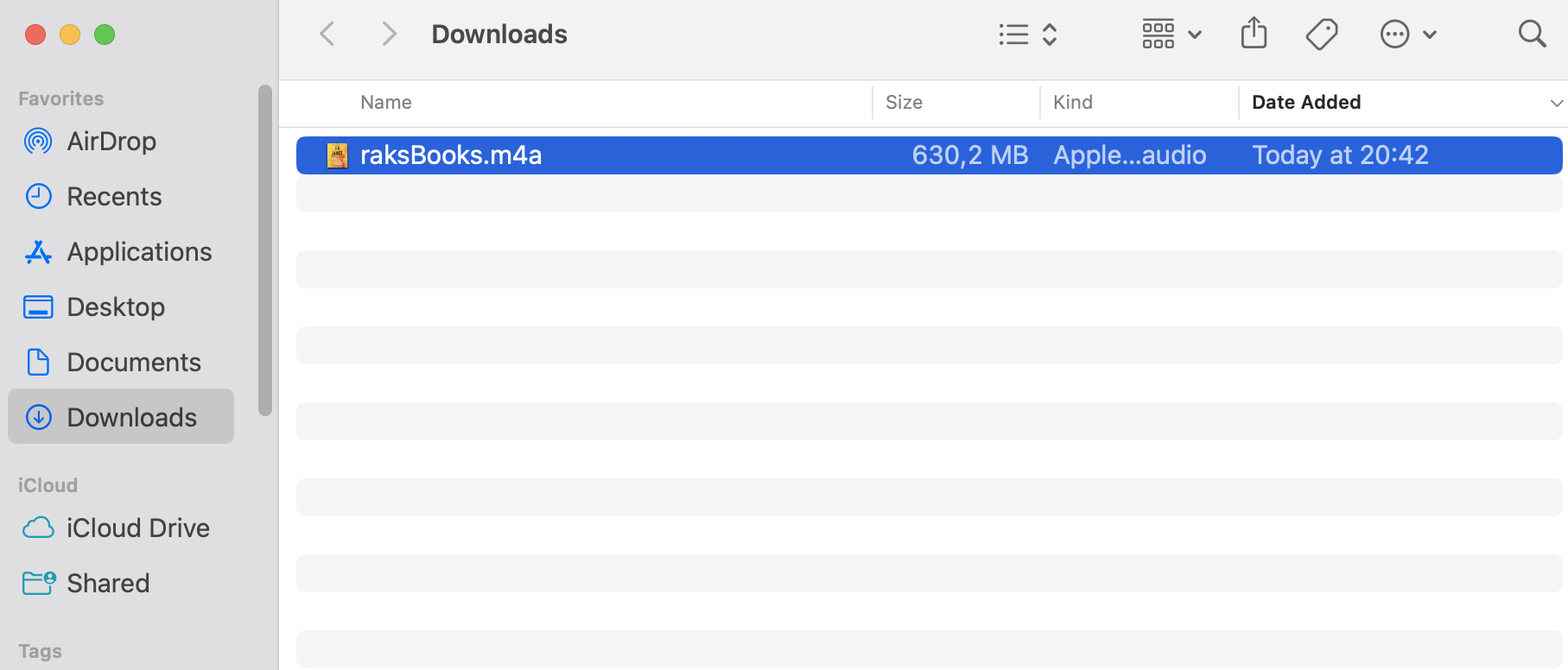
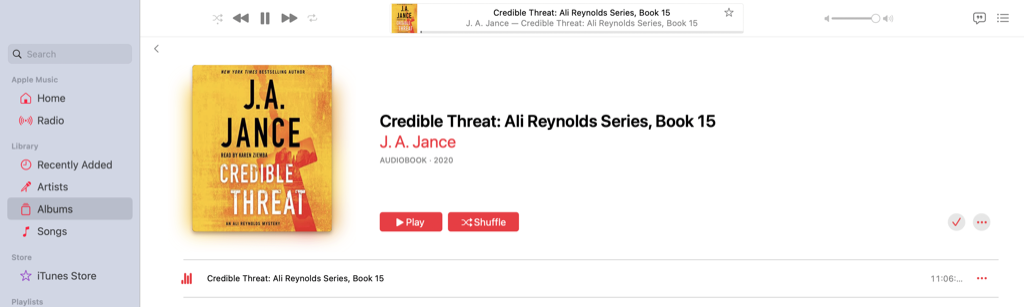
Open Downloads on your Mac and double-click the audiobook file. It will open and play in Apple Music automatically.
Step 3 — Navigate chapters
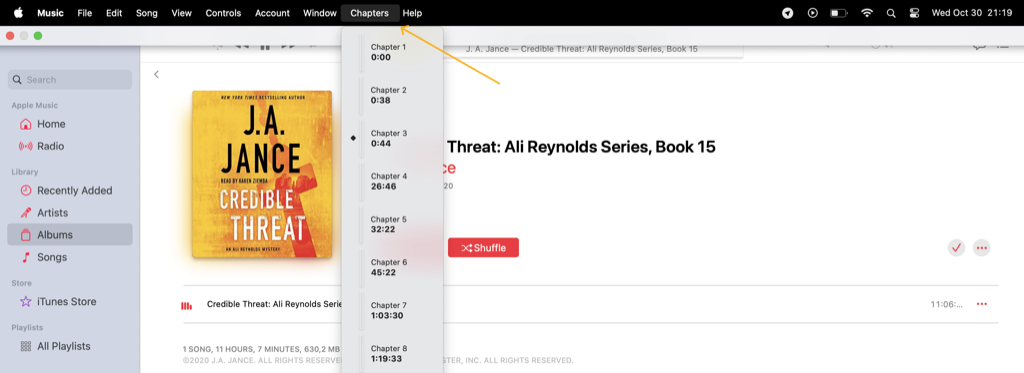
If the audiobook is split into chapters, click the Chapters tab at the top of Apple Music to jump to any part of the book.