Listen on Apple CarPlay
Continue your audiobook from your iPhone right on your car’s display.
If you already listen on your iPhone, you can keep going on Apple CarPlay with no extra setup. Just make sure your audiobook is imported into your iPhone player first.
Step 1 — Connect your iPhone to CarPlay
Plug your iPhone into the car’s USB port with a Lightning cable, or pair it wirelessly over Bluetooth if your car supports wireless CarPlay. The CarPlay interface will appear on the car’s display.
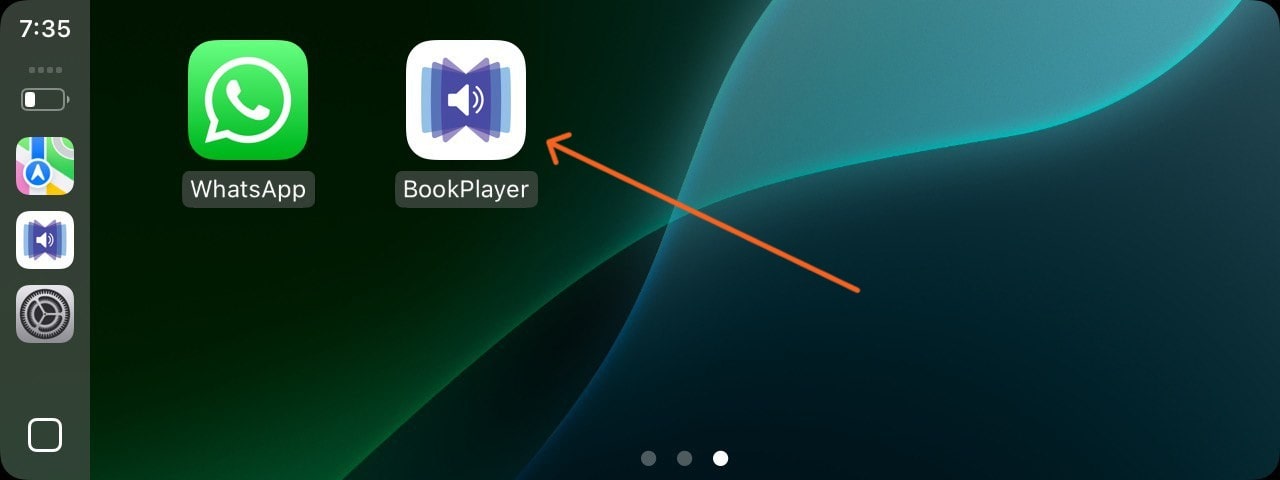
Step 2 — Open the Book Player app
On the CarPlay screen, find and tap the Book Player app you installed on your iPhone.
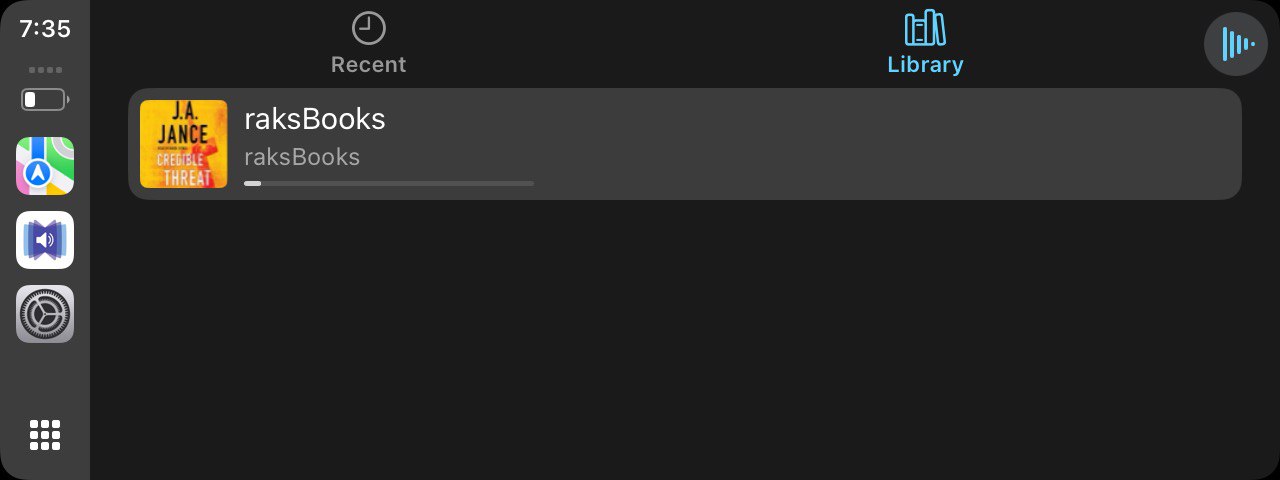
Step 3 — Open your library and play
Inside Book Player, go to the Library section and tap the audiobook you want to listen to. Playback continues right from your car’s speakers.

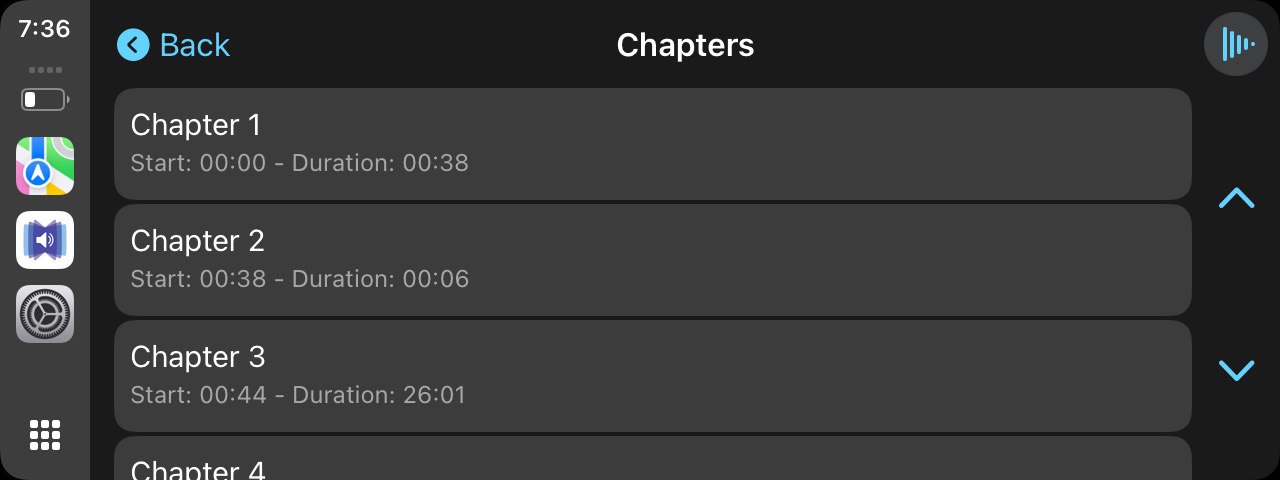
Step 4 — Navigate chapters safely
Use the chapter view in the app to jump forward or back without taking your attention off the road. Most CarPlay apps also support steering-wheel and voice controls.