
How to Listen
Listen on Android Phone & Tablet
Install Smart AudioBook Player and listen offline on any Android device.
On Android you can listen to your audiobooks offline using a free third-party app. We recommend Smart AudioBook Player from the Google Play Store.
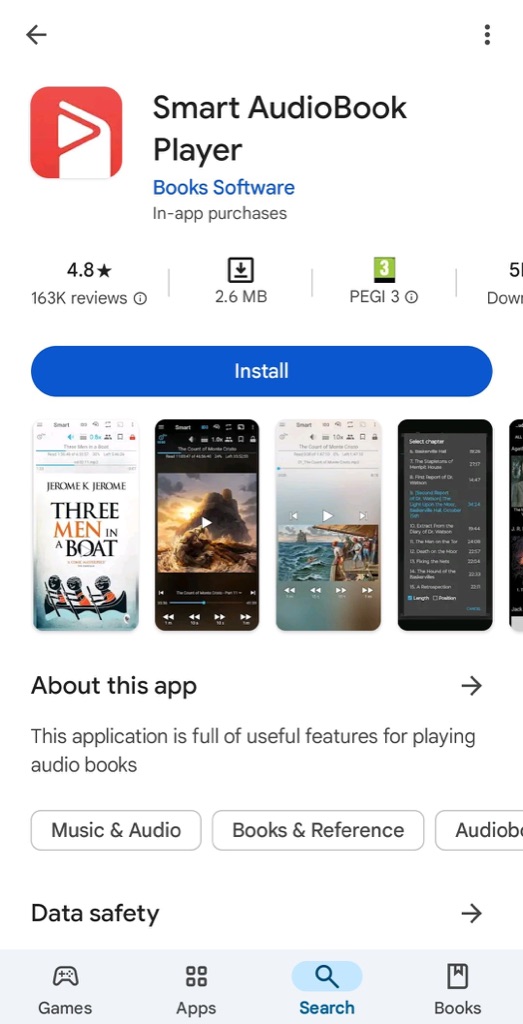
Step 1 — Install Smart AudioBook Player
Open the Google Play Store, search for Smart AudioBook Player and install it. This will be your main app for managing and playing audiobooks.
Step 2 — Configure the app
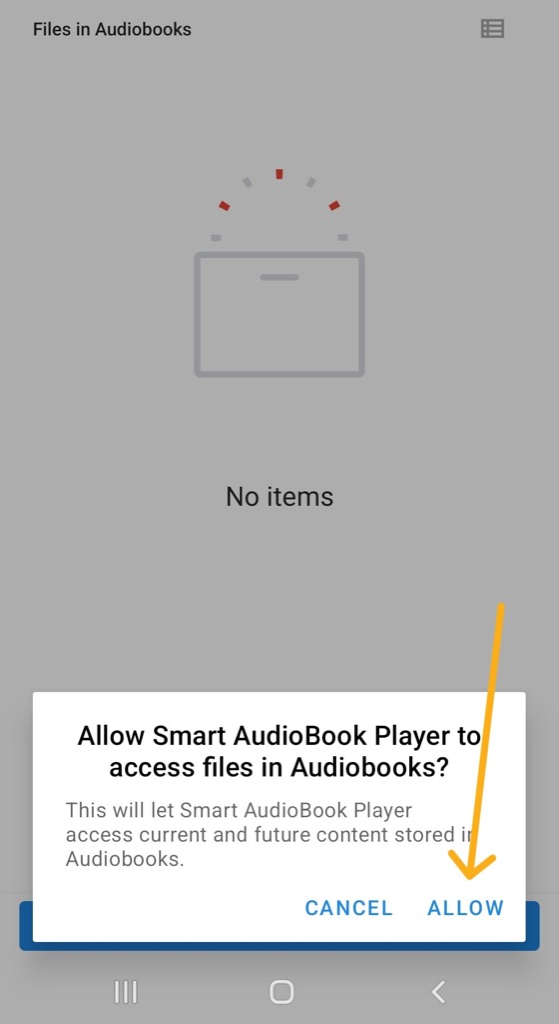
- Open the app. An Add Root Folder prompt will appear — tap OK.
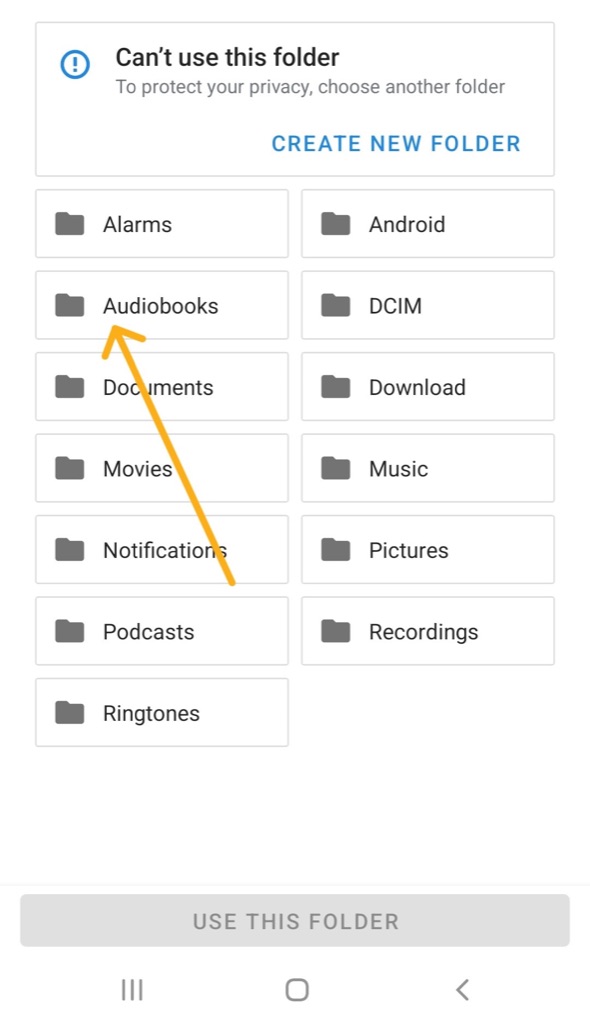
- You will be asked to choose an Audiobooks folder. If you do not have one, tap Create New Folder.
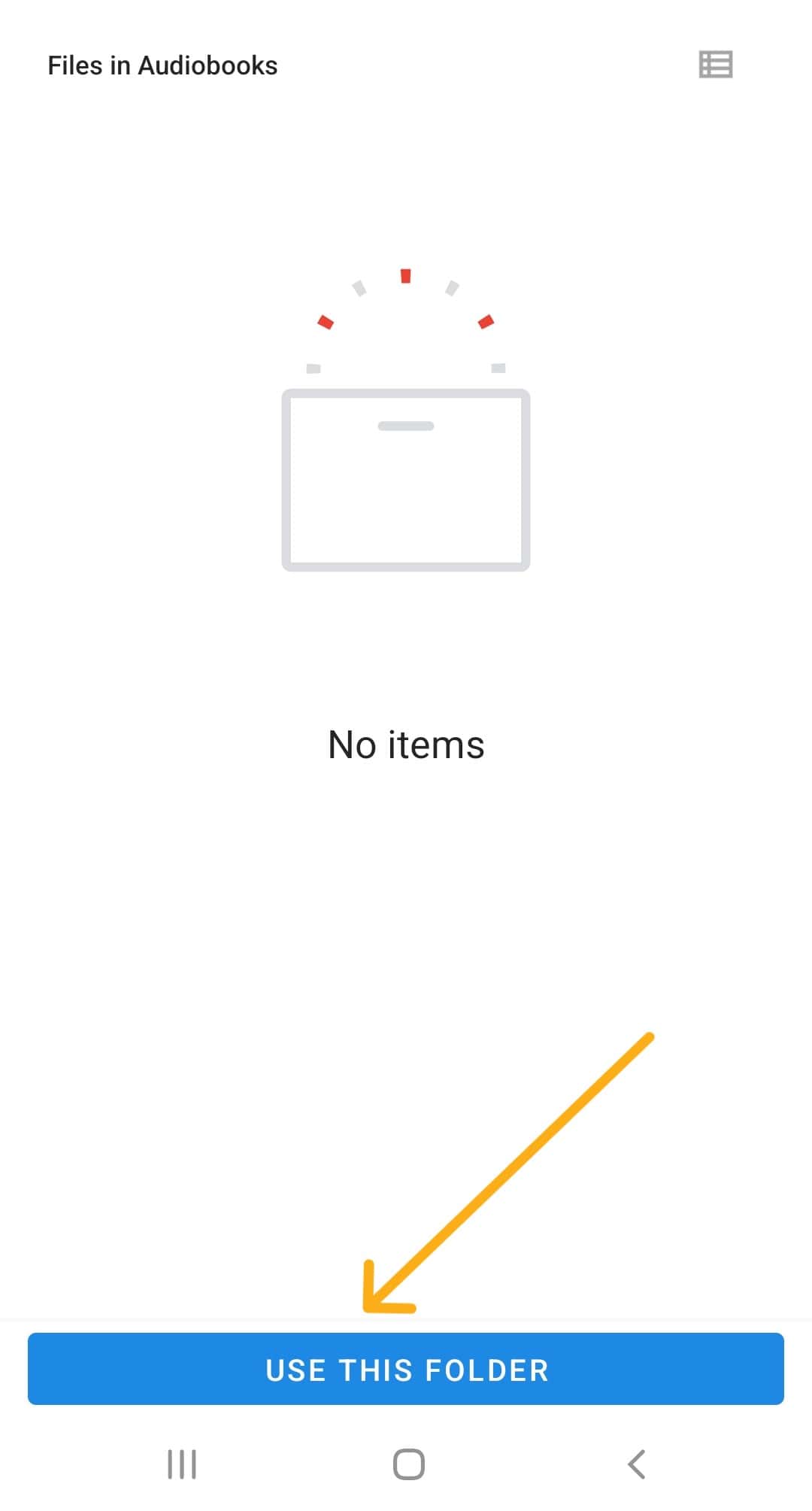
- Tap Use This Folder to give the app access.
Step 3 — Download your audiobook
- Sign in on raksBooks.com.
- Open My Account → My Library.
- Tap the download button next to the audiobook you want.
Step 4 — Add the file to the app
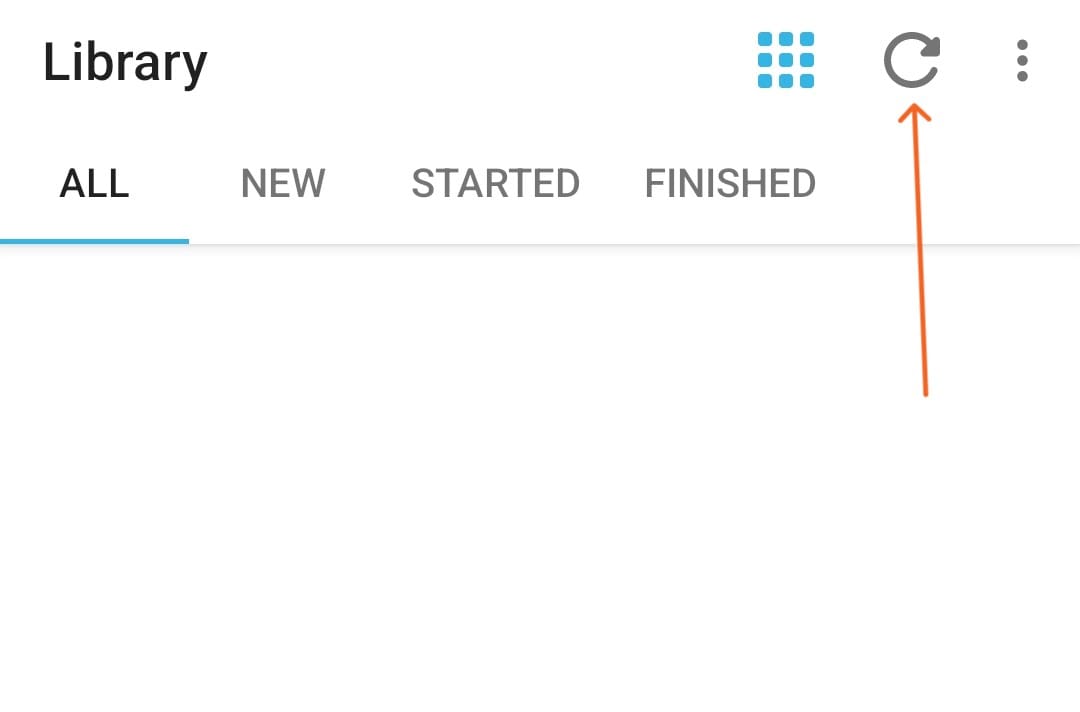
- Open Smart AudioBook Player.
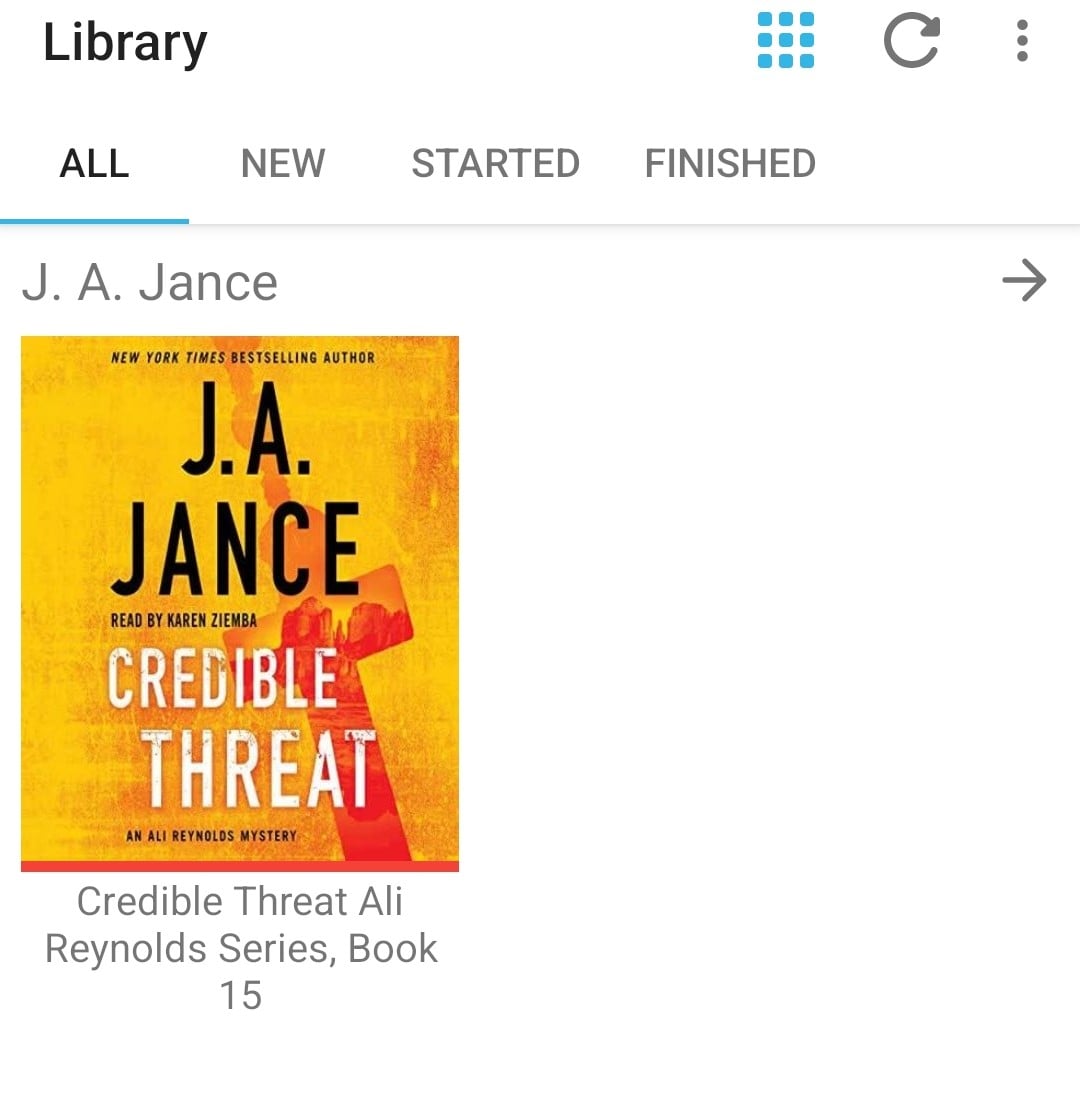
- It will automatically pick up files placed in the folder you chose earlier.
- Tap the audiobook to start playing.
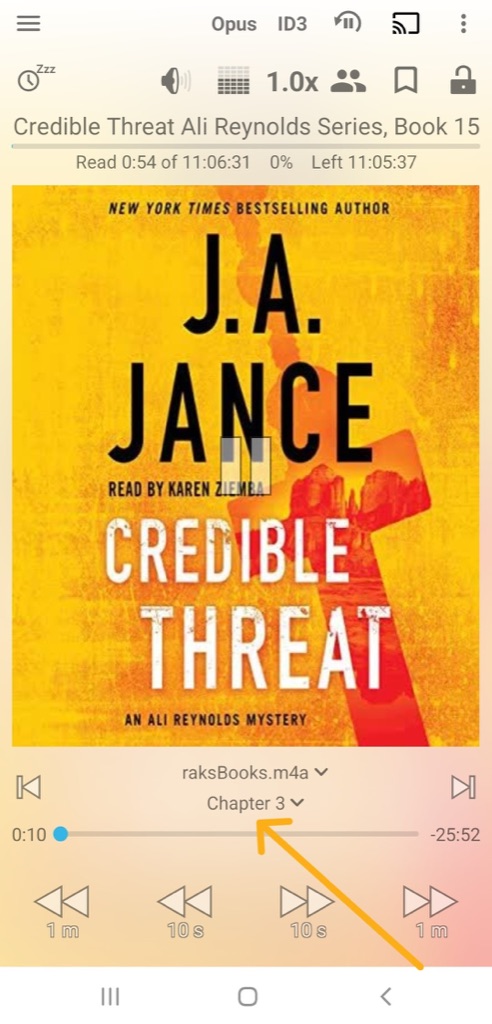
If the audiobook has chapters, you can jump between them using the chapter menu inside the app.